Something big just landed on Kunya, and if you care about AI-generated images, this is the update you've been waiting for.
Midjourney V8 is now available on the Kunya platform. That means you can generate stunning, production-ready visuals using one of the most powerful image models ever released, right alongside the 100+ other AI tools already in your Kunya subscription. No separate Midjourney account. No Discord. No extra fees.
Here's everything you need to know about what Midjourney V8 actually does, why it's a leap forward, and how to start using it today.
What Is Midjourney V8?
Midjourney V8 is the latest generation of Midjourney's image model, the AI system that turns text descriptions into visual art, photography, illustrations, and design concepts. If you've used earlier versions, you already know how impressive the results can be. V8 takes everything that worked before and makes it significantly faster, sharper, and smarter.
The original V8 launched on March 17, 2026. Then, on April 30, 2026, Midjourney released V8.1, a refined version that's 3x faster and 3x cheaper to run than V8.0 Alpha, while maintaining the same output quality. That's the version powering Kunya's image generation today.
Think of it this way: V8.0 was the prototype. V8.1 is the production model, faster, leaner, and ready for real work.
What Makes Midjourney V8 Different: The Key Features
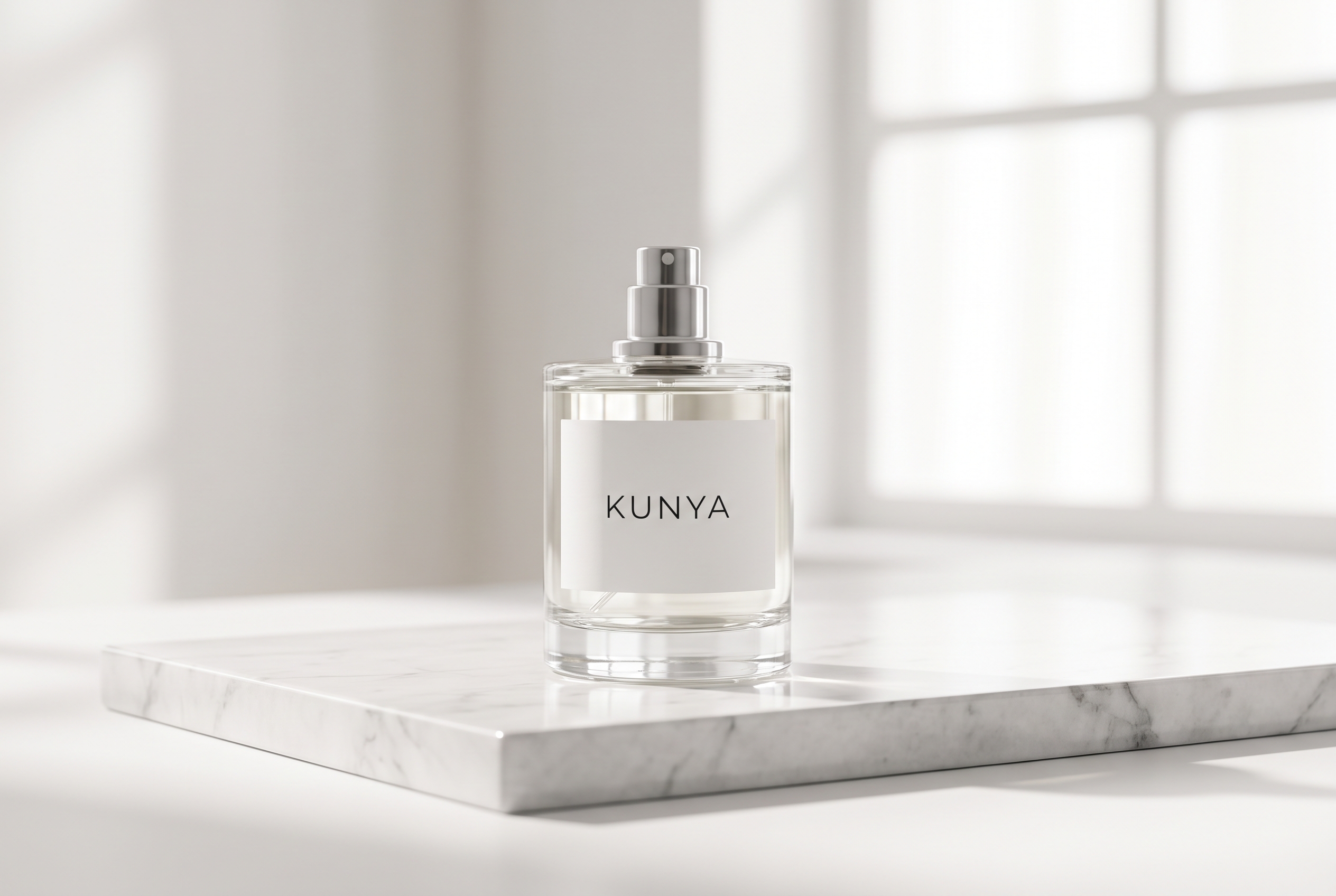
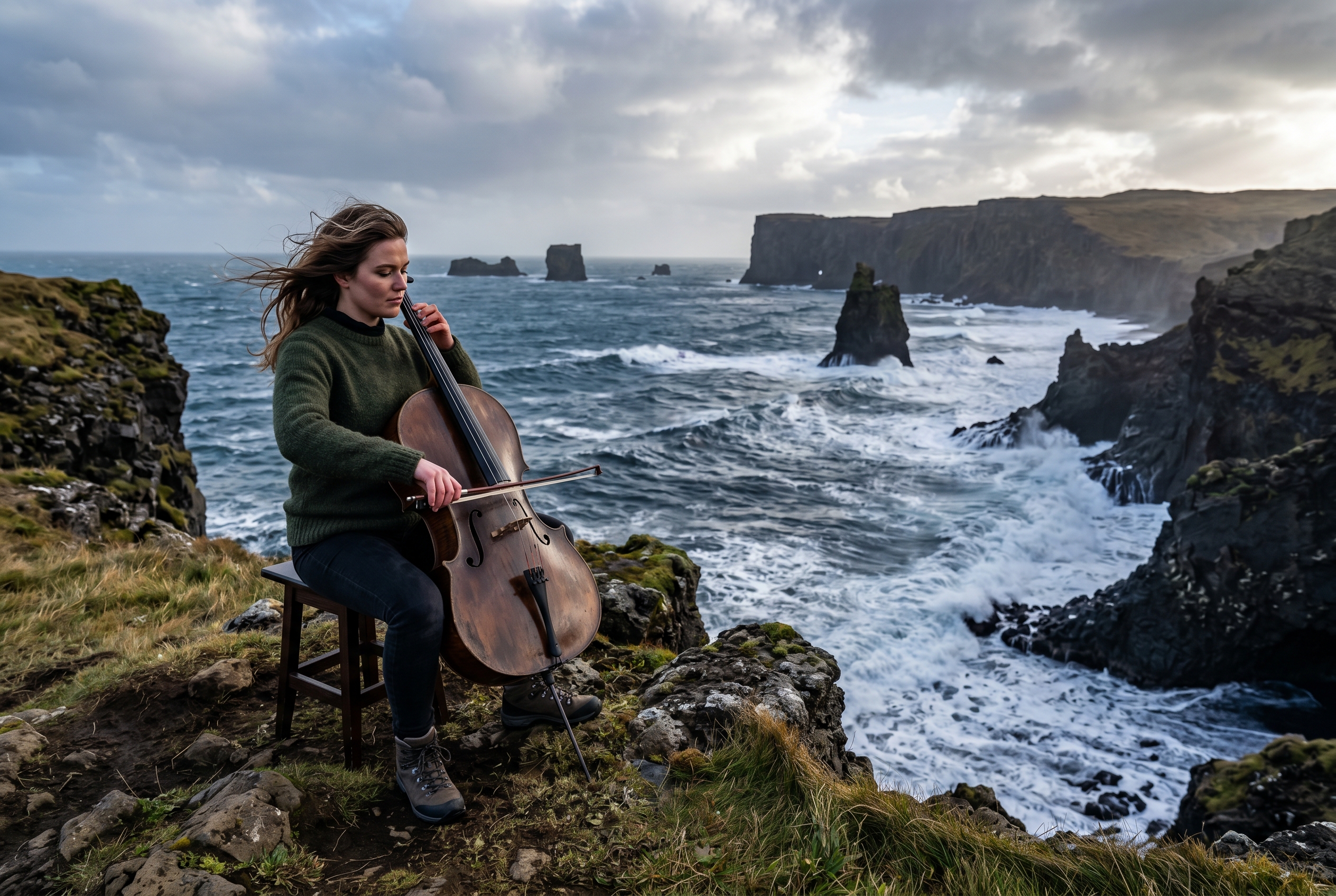
Midjourney V8 excels at photorealistic product shots like this — native 2K detail, no upscaling required.
1. Native 2K HD Images, No Upscaling Needed
Previous Midjourney versions generated images at lower resolutions and required an extra upscaling step to get usable quality. V8 removes that friction entirely.
Every image you generate comes out in native 2K HD resolution, sharp enough to use in print, presentations, social media, or client deliverables without any additional processing. What used to be a two-step process is now just one prompt.
For anyone producing content at scale, this alone saves a meaningful amount of time.
2. 4–5x Faster Than V7
Speed matters when you're iterating on ideas. With V8, images generate four to five times faster than Midjourney V7. Combined with the V8.1 efficiency improvements, you're looking at near-instant results compared to the waiting times you might remember from earlier versions.
Faster generation means you can explore more directions, test more concepts, and make decisions quicker without breaking your creative flow.
3. Better Prompt Understanding
One of the most common frustrations with AI image tools is the gap between what you ask for and what you get. V8 closes that gap considerably.
The model has significantly improved prompt adherence, meaning it actually understands what you're asking for and produces results that match your intent more consistently. Describe a specific scene, a particular mood, or a precise visual style, and V8 is far more likely to deliver it without requiring you to re-engineer your prompt five times.
Plain English works better than ever. You don't need to learn a secret language of AI keywords.
4. Improved Text Rendering in Images
AI-generated images have historically struggled with one thing: legible text. Ask a model to include words in an image and you'd often get something that looked vaguely like letters but made no actual sense.
V8 has made real progress here. Text inside images is now substantially more accurate and readable, which opens up a whole new category of use cases: mockup designs, social media graphics, product labels, advertising visuals, and anything else where the words need to actually say what you intended.
5. Raw Mode: Unfiltered Creative Output
By default, Midjourney applies a layer of aesthetic polish to every image, smoothing things out and adding its signature style. That's great for most use cases. But sometimes you want something more literal, more direct, more unprocessed.
Raw mode turns off that automatic styling. What you get is a more faithful, less "AI-flavoured" interpretation of your prompt. For photographers, designers, or anyone with a strong personal aesthetic they don't want overridden, Raw mode is a genuine creative tool, not just a technical toggle.
6. Image Prompts Are Back
One of the features users missed most in previous iterations was the ability to use an existing image as part of your prompt. You could say, in effect: "Generate something that looks like this, but do it this way."
V8 brings image prompts back fully. Upload a reference image alongside your text prompt, and the model will use it as a visual anchor, matching the lighting, composition, colour palette, or overall feel. It's one of the most powerful ways to maintain visual consistency across a project.
7. The Describe Tool
Not sure how to put what you're imagining into words? The Describe feature works in reverse: upload any image, and Midjourney will generate a detailed text description of it, one that you can then use as a prompt to create something similar.
It's like having someone translate a visual reference into the exact language the AI understands. Hugely useful for designers who work from mood boards, or anyone trying to recreate a specific aesthetic they've spotted somewhere.
8. Moodboards and Style References (Sref)
Keeping a consistent visual style across multiple images has always been one of the harder challenges in AI-generated content. V8 addresses this directly with style references (sref) and moodboard functionality.
You can define a visual style by referencing an existing image or a set of images, then apply it consistently across everything you generate. The result is a coherent visual identity across a whole project, a campaign, a brand, or a content series. This is the feature that moves Midjourney from "cool experiment" to "actual professional tool."
Who Is This For? Real-World Use Cases
For Content Creators
If you produce content for YouTube, Instagram, TikTok, newsletters, or blogs, Midjourney V8 gives you a visual production capability that previously required either a budget or a designer. Custom thumbnails, header images, illustration-style visuals, unique brand imagery: generate in seconds, iterate instantly, publish the same day.
The improved text rendering means you can now include readable titles or callouts directly in images, without needing a separate design pass in Canva or Photoshop.
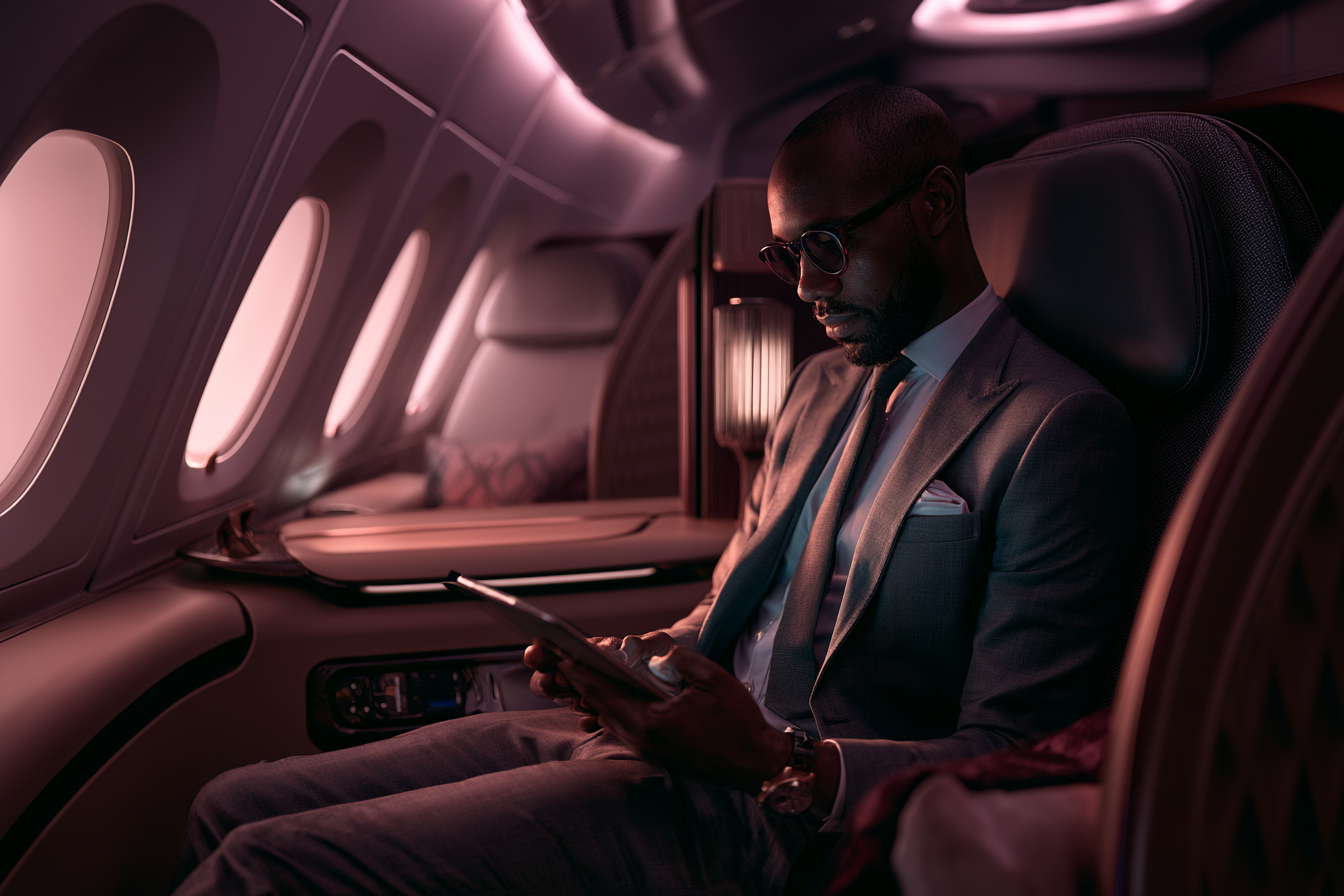
For Marketers and Brand Teams
Marketing is a volume game. You need a lot of visuals, and you need them fast, at consistent quality, and on brand. V8's style references and moodboard tools are built for exactly this workflow.
Define your brand's visual language once, then use it as a reference for every campaign asset you generate. What used to require briefing a designer and waiting days now takes a few minutes. The 2K native resolution means assets are print-ready straight out of the model.
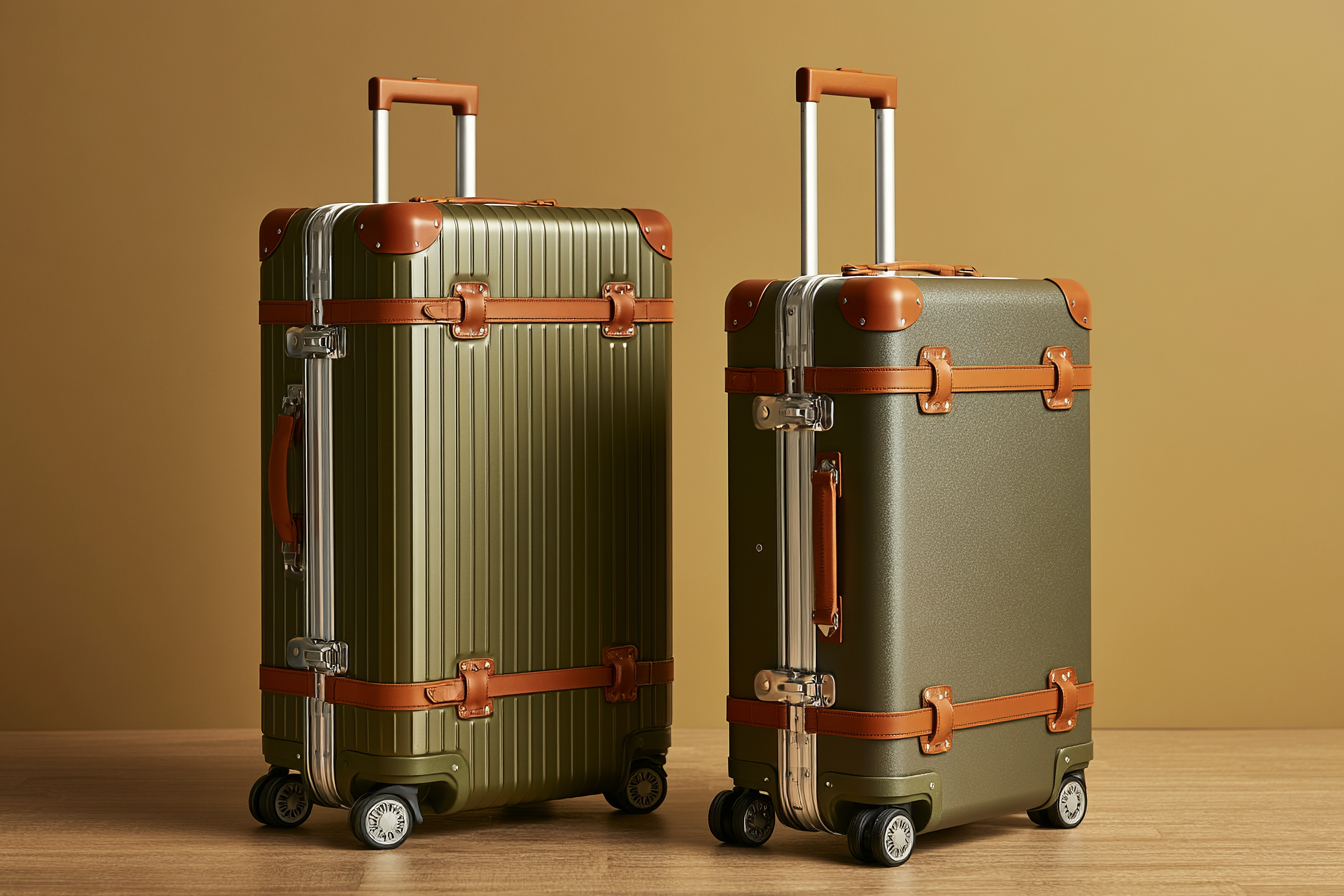
For Designers and Creative Professionals
V8 isn't trying to replace designers. It's trying to remove the parts of the job that slow them down. Use Raw mode to generate unpolished concepts quickly. Use image prompts to explore variations of an existing design direction. Use the Describe tool to reverse-engineer a reference you found inspiring.
Think of it as a fast-twitch ideation tool that gives you more starting points, more options, and more creative material to work with, in less time than it would take to sketch a rough thumbnail by hand.
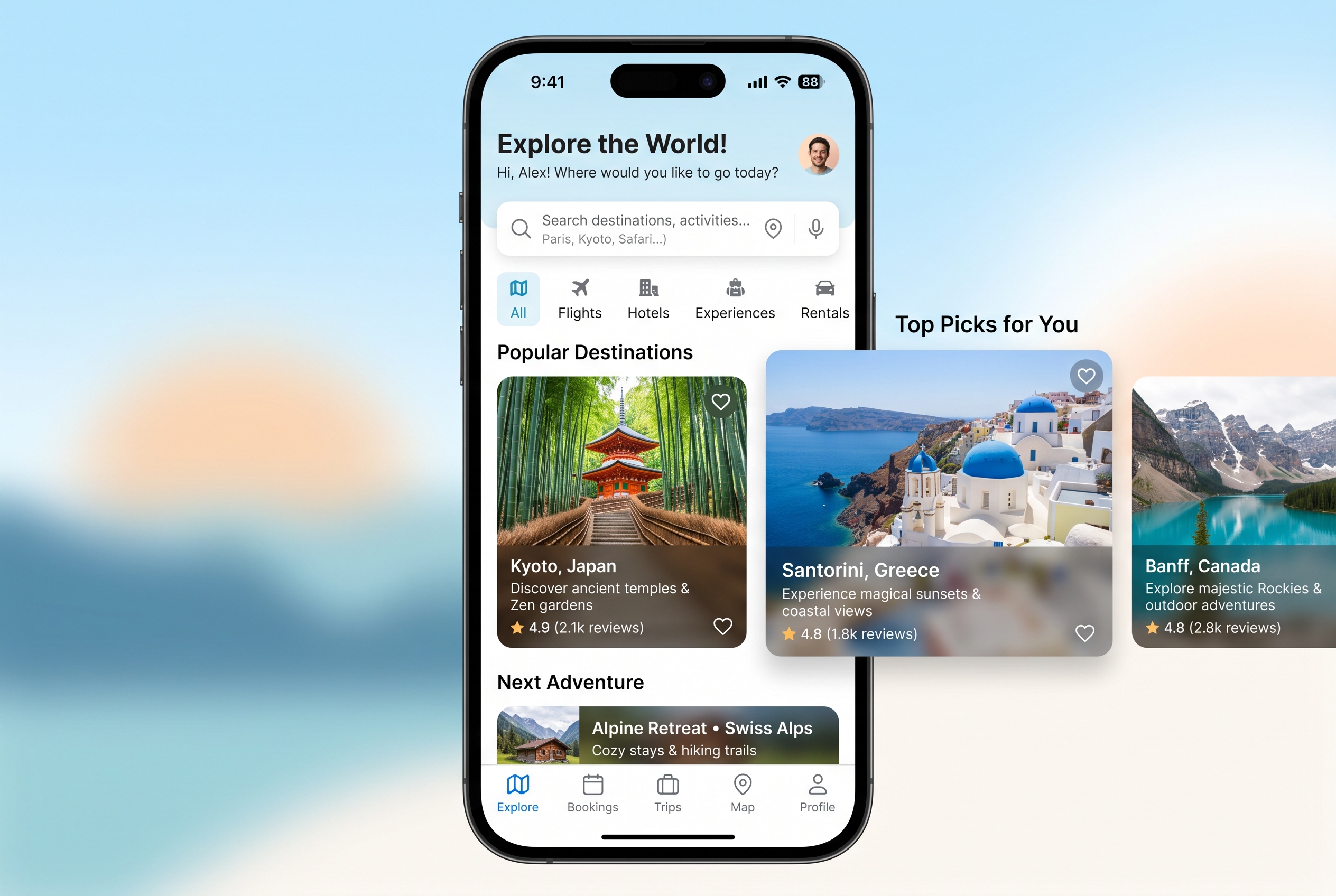
For Entrepreneurs and Small Business Owners
Not everyone has a design team. For founders, solopreneurs, and small business owners, professional-quality visual content has historically been expensive to produce. V8 changes the economics.
Product mockups, social media content, website imagery, pitch deck visuals, advertising creative: all of it is now accessible without a design background or a design budget. And because it's part of your Kunya subscription, there's no additional cost to start.
How to Access Midjourney V8 on Kunya
Getting started is straightforward. Midjourney V8 is integrated directly into the Kunya platform, with no need to set up a separate Midjourney account, navigate Discord, or manage a second subscription.
Here's all you need to do:
Log into your Kunya account at kunya.ai
Navigate to the image generation section from your dashboard
Select Midjourney V8 from the model menu
Type your prompt, or upload a reference image to use image prompts
Generate and iterate, using Raw mode, style references, or the Describe tool as needed
That's it. No separate billing. No Discord server. No learning a new interface from scratch. It's just another powerful model in your existing Kunya workflow.
And because Kunya gives you access to 100+ AI models in a single subscription, Midjourney V8 sits alongside your other tools (large language models, writing assistants, code generators, and more) all in one place. Switch between them seamlessly depending on what your project needs.
If you want to go deeper on how to get the most out of AI image generation, check out our guides on writing better AI image prompts and how the leading AI image models compare.
The Bottom Line
Midjourney V8 is a meaningful step forward. Not just incrementally better, but substantively more capable in the areas that actually matter for professional use. Faster generation. Native 2K output. Better prompt understanding. Usable text in images. Style consistency across projects.
The fact that it's now available on Kunya, as part of a subscription that already includes 100+ other AI models, makes it one of the most accessible and cost-effective ways to access this capability.
If you've been waiting for AI image generation to get good enough for real work, this is that moment.
Try Midjourney V8 on Kunya today. Start your free trial at kunya.ai.
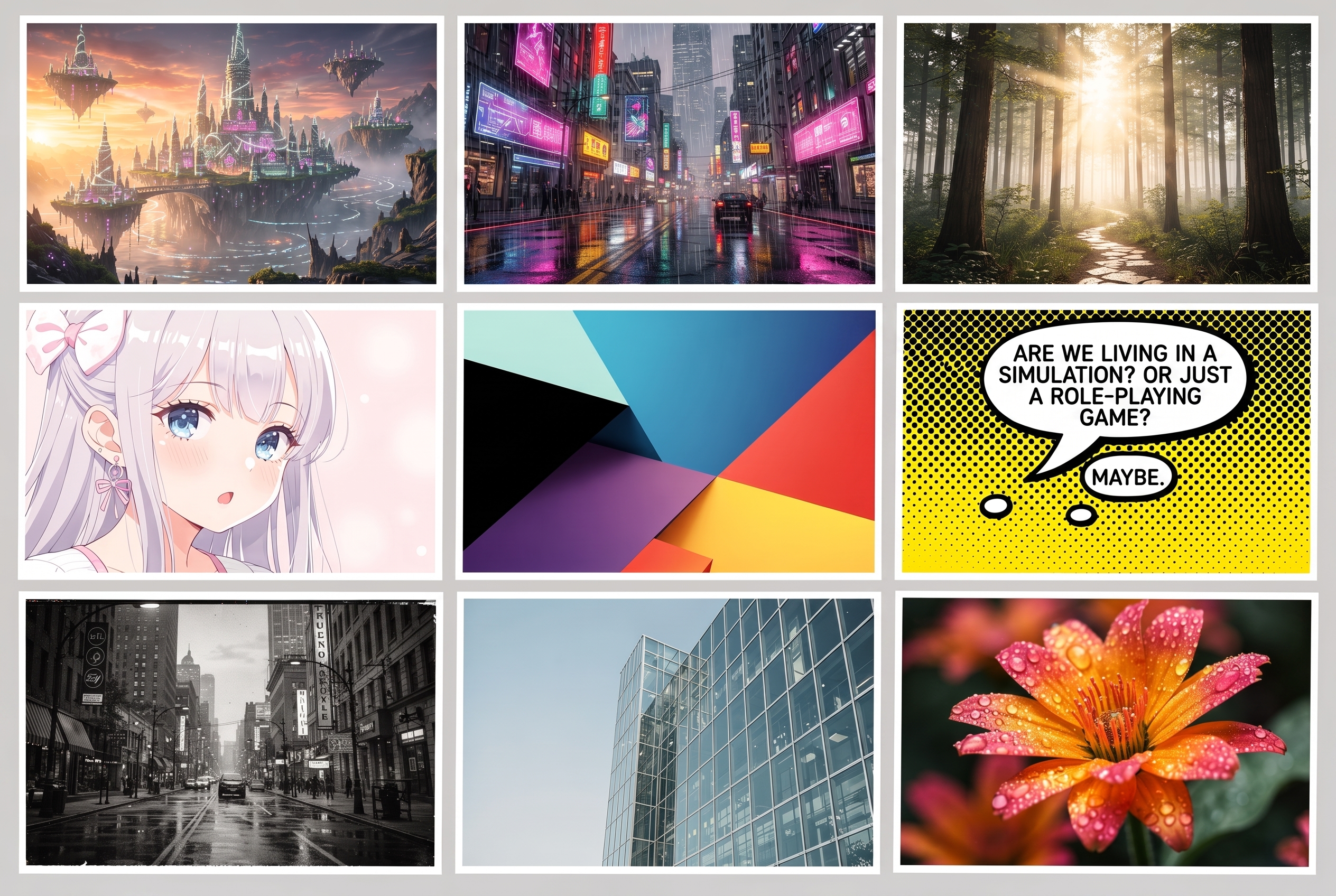
Fantasy world-building and concept art is one of Midjourney V8's strongest suits — cinematic depth straight from a single prompt.
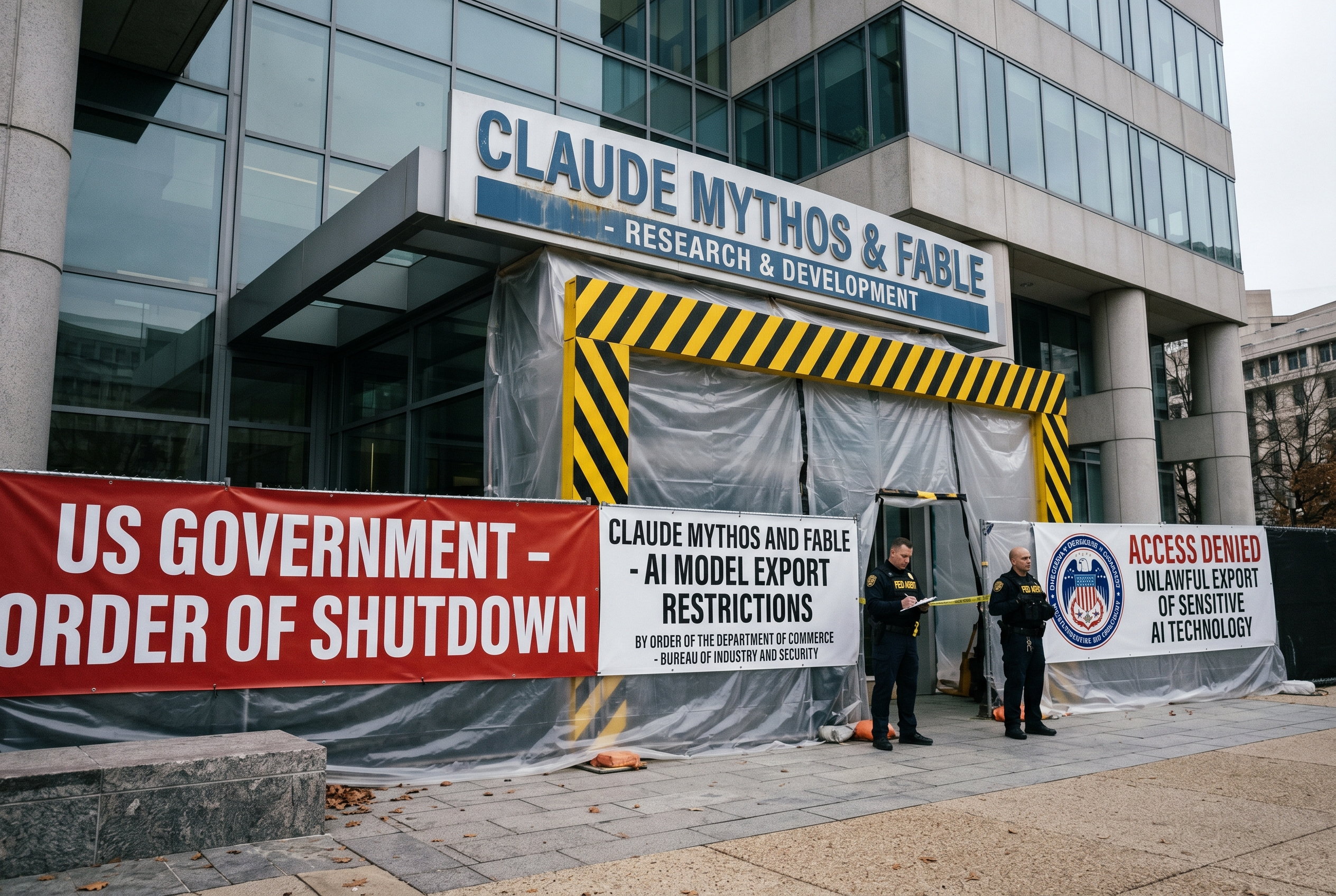
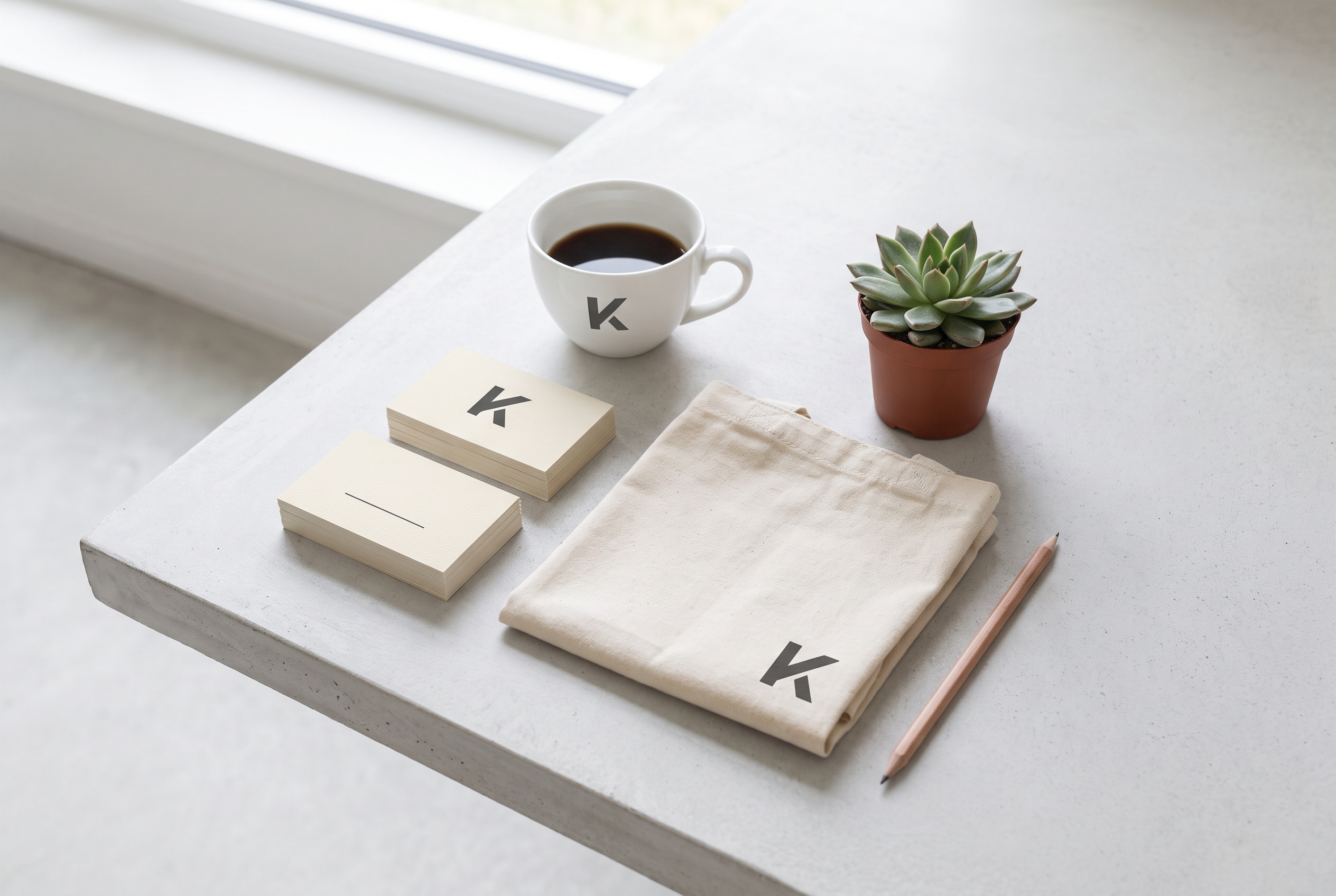
Brand identity assets, packaging mockups, and marketing visuals — all generated in seconds with Midjourney V8 on Kunya.