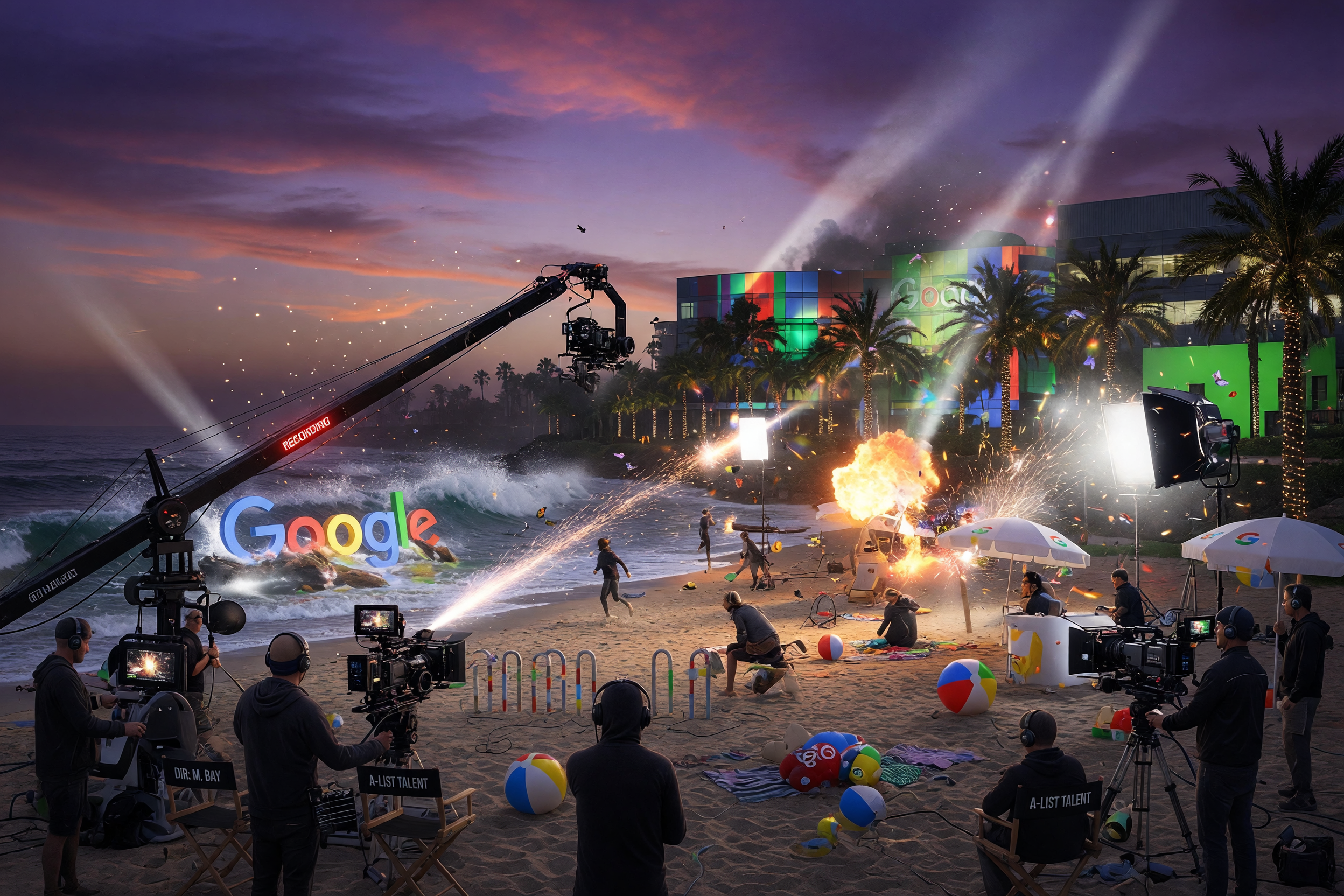
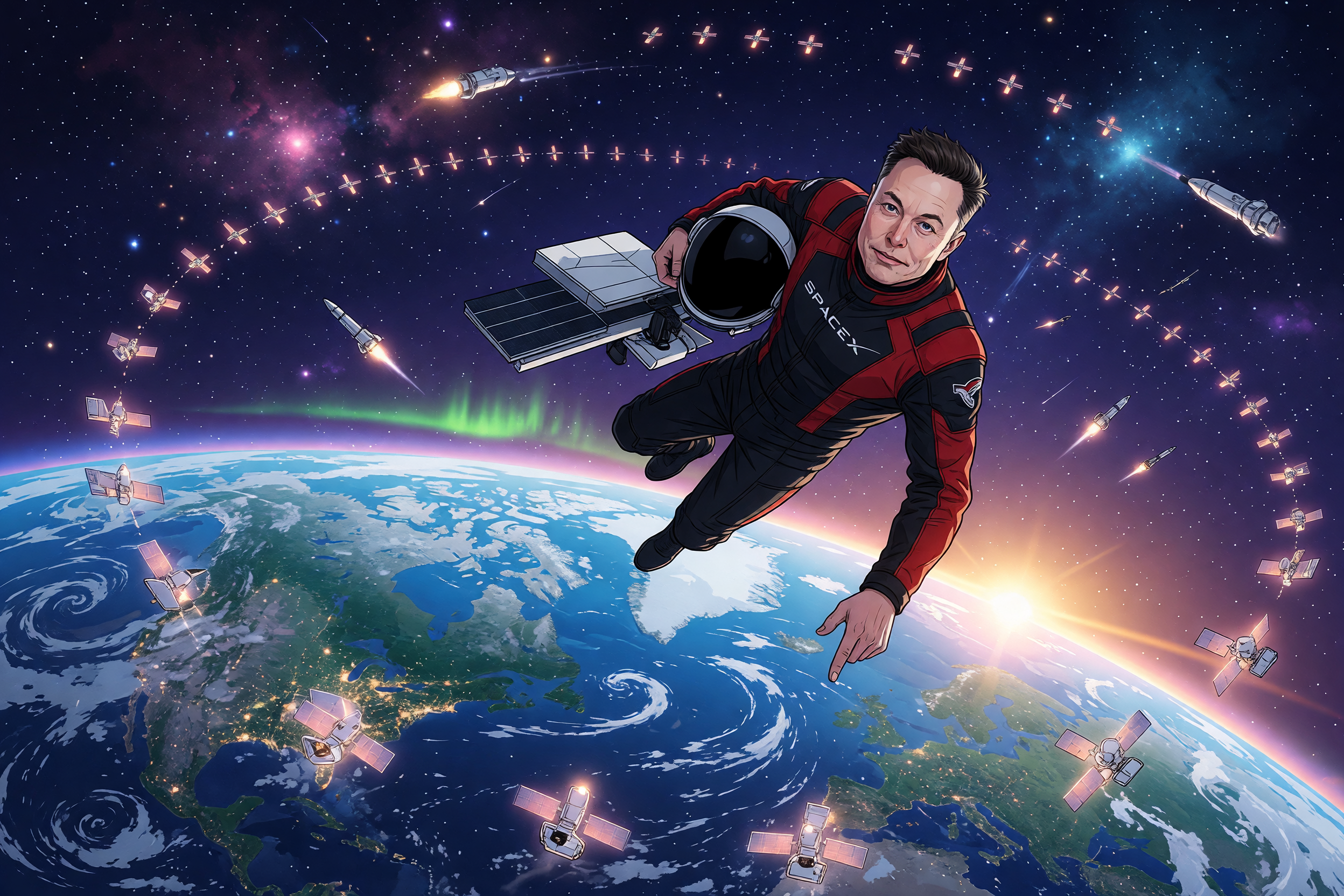
GPT Image 2 arrived on April 21, 2026, and within 12 hours it had done something no AI image model had managed before: claimed the top spot across every category on the Image Arena leaderboard by a margin of 242 points. That is not a modest improvement. That is a category redefinition. GPT Image 2, released as part of OpenAI's ChatGPT Images 2.0 update, is the most capable native image generation and editing model the company has ever shipped. It replaces both DALL-E 3 and the interim GPT Image 1.5, and it brings capabilities that professional designers, marketers, and content creators have been waiting years for. This article breaks down exactly what changed, why it matters, and how to use it effectively.
What Is GPT Image 2? Architecture and Core Design
GPT Image 2 is OpenAI's next-generation image generation model, powered natively by the GPT-5.4 backbone. Unlike earlier models that treated image generation as a separate pipeline bolted onto a language model, GPT Image 2 uses the same reasoning infrastructure as ChatGPT's text capabilities. The model thinks before it renders.
This architectural shift is more significant than it sounds. Previous image models, including DALL-E 3 and GPT Image 1.5, were fundamentally diffusion-based systems that translated text prompts into visual noise and then progressively denoised that noise into an image. The reasoning happened before the generation pipeline started, and once the generation was in motion, corrections were difficult without starting over.
GPT Image 2 operates differently. It can evaluate a prompt, identify ambiguities, reference web context if needed, decompose a complex layout request into spatial logic, and verify outputs against the original instruction. OpenAI describes it as a "visual thought partner" rather than a generation engine. The model is available to ChatGPT Plus, Team, Pro, and Enterprise subscribers, with API access rolling out under the model name gpt-image-2. DALL-E 2 and DALL-E 3 are both being retired on May 12, 2026, making GPT Image 2 the default image model across the entire OpenAI ecosystem.
There are two access modes. Instant mode brings the core quality improvements to every ChatGPT user, including the free tier. Thinking mode, which enables web search integration, multi-image batching, layout reasoning, and output verification, is limited to Plus, Pro, Business, and Enterprise subscribers.
GPT Image 2 vs GPT Image 1.5: What Actually Changed
The GPT Image 2 vs GPT Image 1.5 comparison reveals five meaningful improvements. Not all of them are obvious from the marketing material, so it is worth examining each one with some precision.
1. Text Rendering Quality
This is the most practically significant upgrade for anyone building real applications. Text rendering has been the single most persistent failure point of AI image generation since the field began. For years, asking any model to produce a restaurant menu, a product label, or a business card with correctly spelled text was a near-guaranteed failure. You would get "Caffe Latt," "Burrto," and phone numbers with 11 digits.
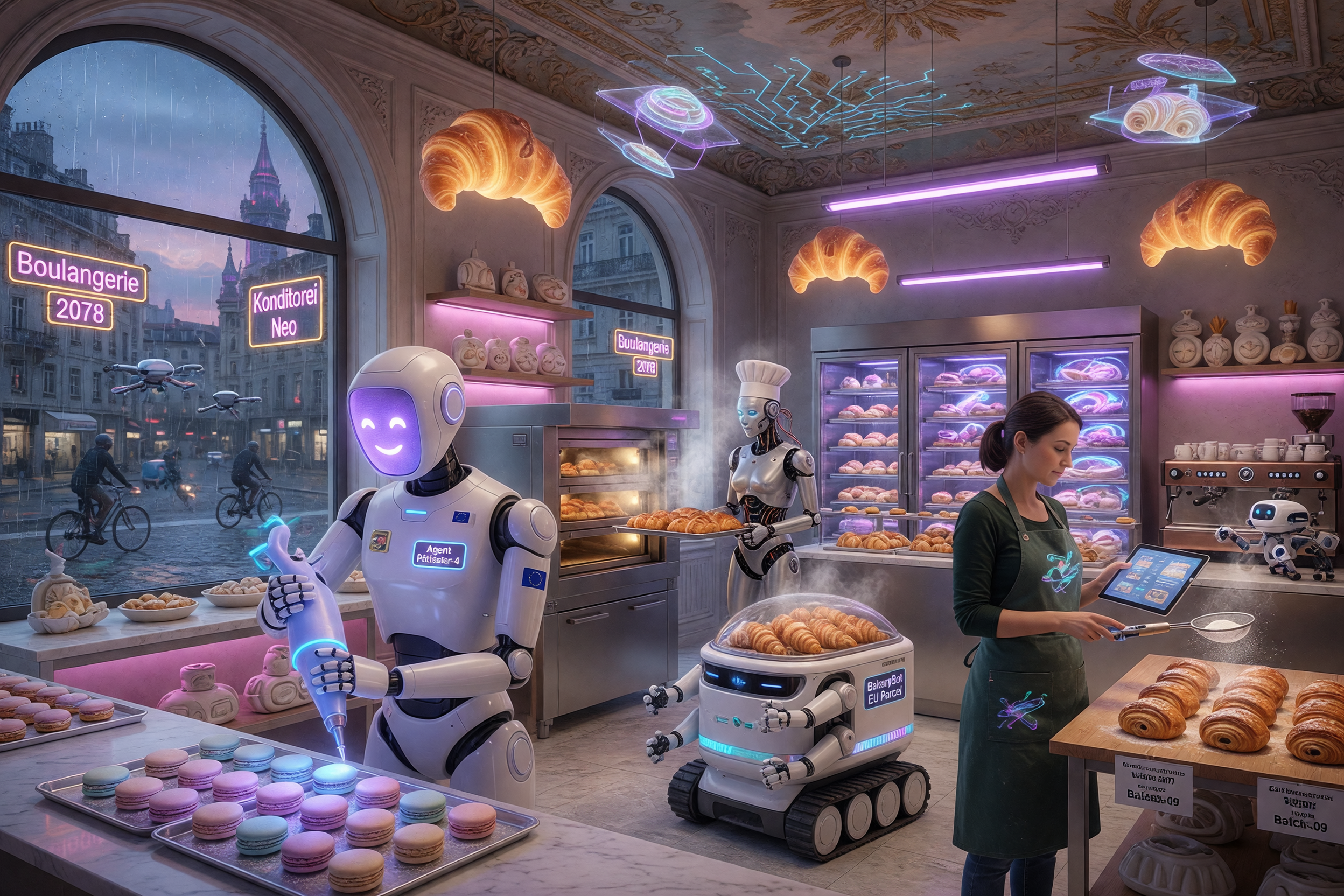
GPT Image 2 achieves approximately 99% character-level text accuracy across Latin, CJK (Chinese, Japanese, Korean), Hindi, and Bengali scripts. This is not an incremental improvement. It is a functional breakthrough. Dense compositions like infographics, product packaging, UI mockups, event posters, and pricing tables now render with crisp, correctly spelled copy. Multilingual labels work natively without requiring any special prompting or post-processing.
2. Resolution and Output Quality
GPT Image 2 supports output up to 4096x4096 pixels with custom aspect ratios, making it production-ready for print, large-format display, and high-DPI digital assets. Generation speed is roughly 2x faster than GPT Image 1.5 at comparable quality settings. The API exposes three quality tiers (low, medium, high) along with up to 4K resolution options, giving developers precise control over the cost-to-quality tradeoff.
3. Multi-Image Consistency
One of the most requested features from creative teams is the ability to generate multiple images of the same character, product, or scene with visual consistency across all outputs. GPT Image 2 supports generating up to eight coherent images from a single prompt, maintaining consistent character identity, object appearance, and lighting conditions across the full batch. This is transformative for storyboard production, product photography variations, and social media content series.
4. Multi-Turn Iterative Editing
GPT Image 1.5 offered basic editing through inpainting, but each edit was essentially a fresh request with limited memory of prior changes. GPT Image 2 introduces genuine multi-turn editing where the model retains context across an entire editing session. You can ask for the jacket to be changed to navy blue, then ask to adjust the lighting to late afternoon, then request that the background be replaced with an office interior, and the model tracks all those changes without losing earlier modifications.
5. Reasoning-Native Generation
When Thinking mode is active, GPT Image 2 can search the web for visual references, reason about spatial layouts before committing to a composition, and self-verify outputs. Ask it to generate a technically accurate diagram of a solar panel installation on a residential rooftop and it will check proportions, shading angles, and panel orientation rather than hallucinating plausible-looking components. This matters enormously for educational content, technical marketing, and scientific visualization.
Feature | GPT Image 1.5 | GPT Image 2 |
|---|---|---|
Max Resolution | 1024px (upscaled) | 4096x4096px (native) |
Text Accuracy | Moderate (~60-70%) | ~99% character-level |
Multi-image Batching | Not supported | Up to 8 consistent images |
Editing Sessions | Single-turn inpainting | Multi-turn with context memory |
Reasoning Integration | None (post-hoc prompt parsing) | Native GPT-5.4 reasoning backbone |
Multilingual Text | English-focused | Latin, CJK, Hindi, Bengali |
Generation Speed | Baseline | ~2x faster at equivalent quality |
GPT Image 2 Photorealism and Visual Quality
Photorealism That Passes for Photography
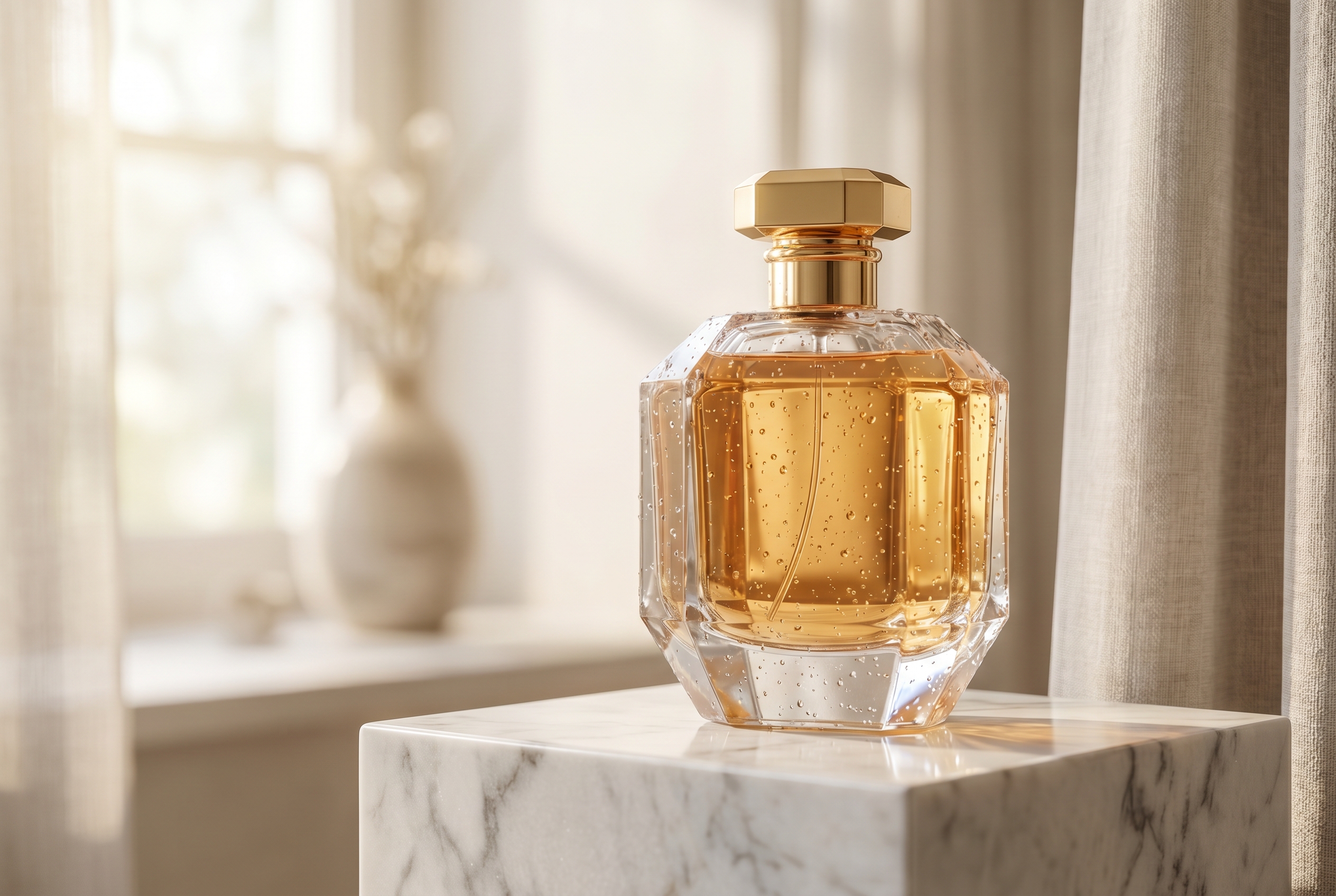
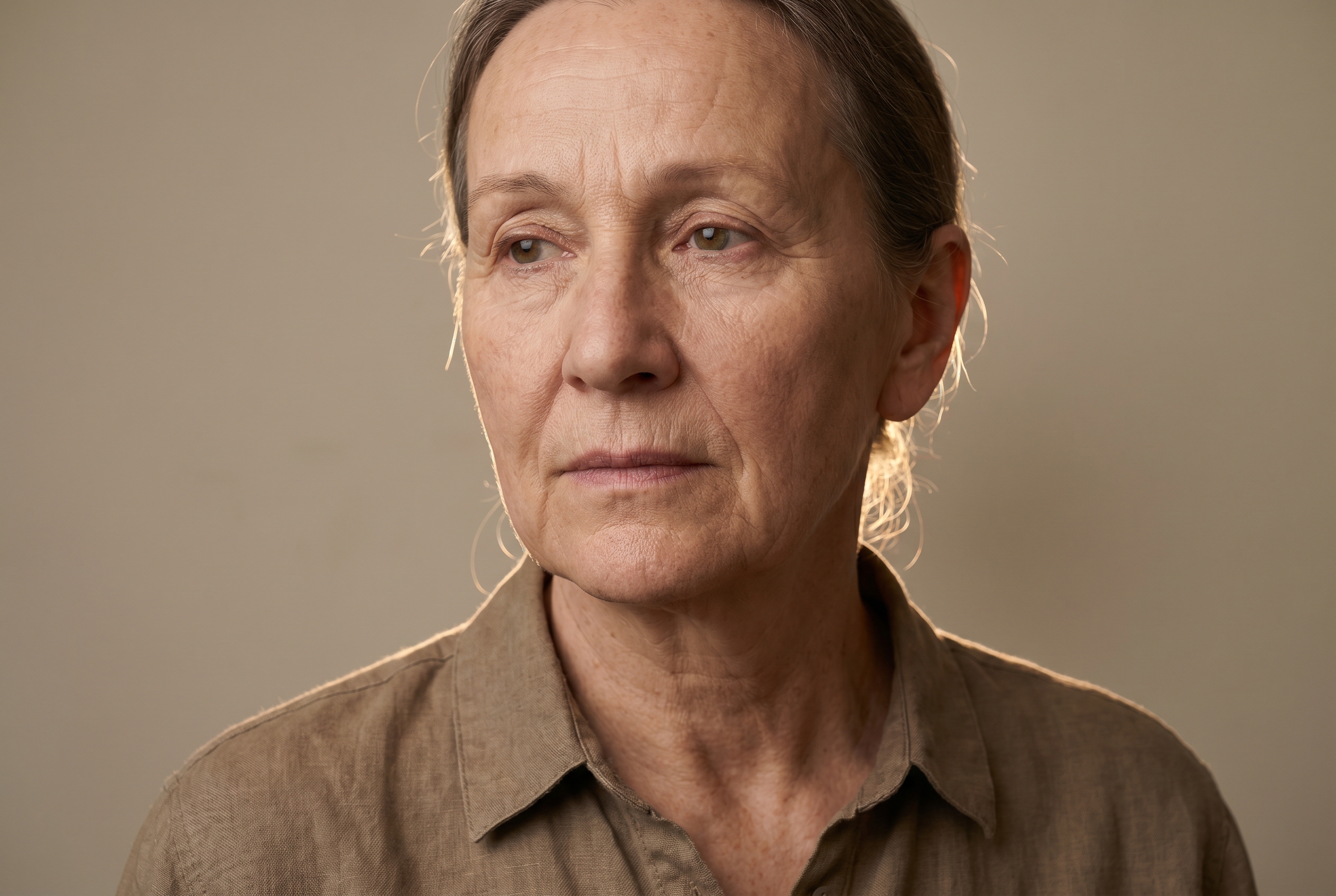
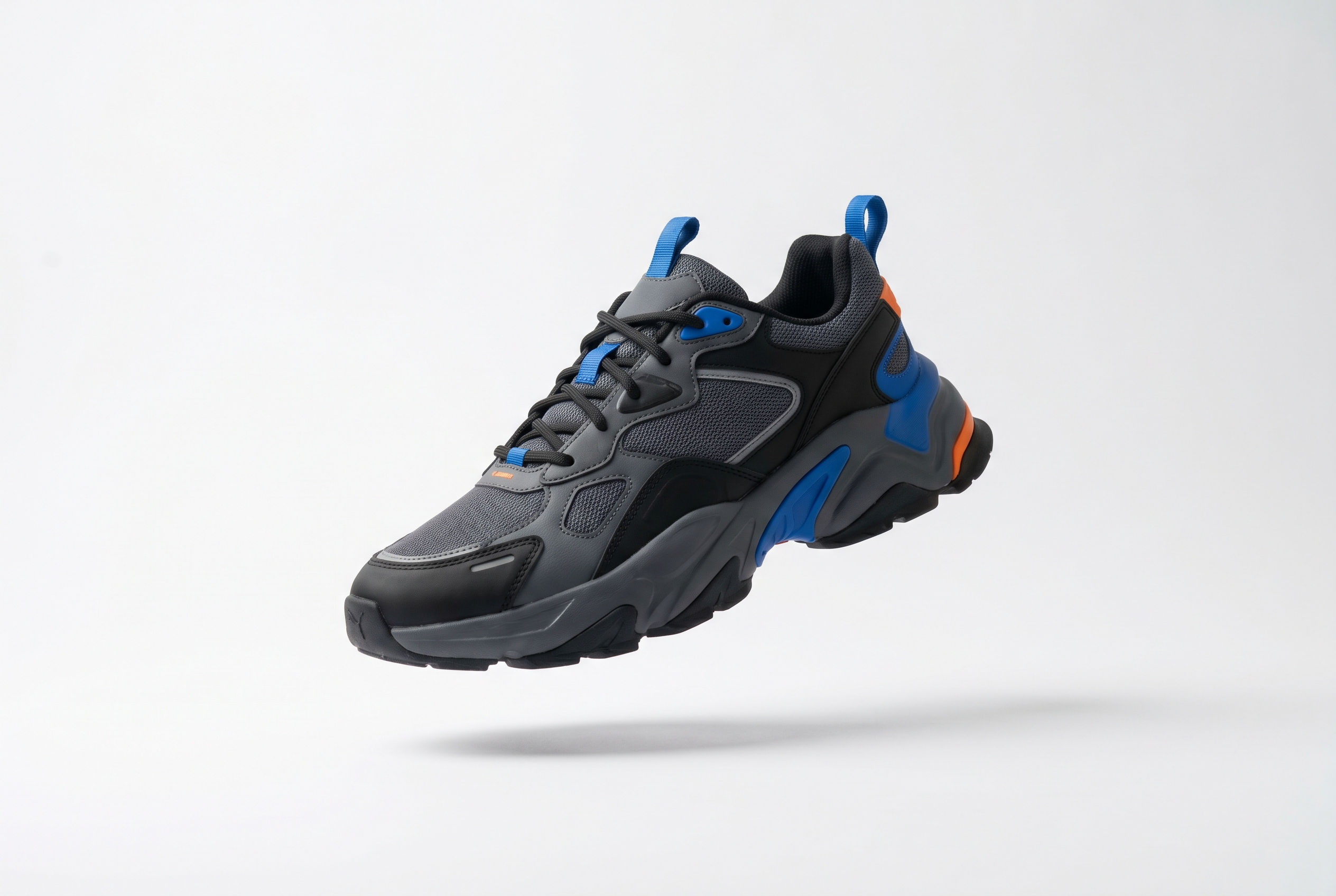
At 4K native resolution, GPT Image 2 renders product shots, portraits, and commercial scenes with fidelity indistinguishable from professional studio setups.
Native Resolution
4096 × 4096px
Arena Leaderboard
#1 by 242 pts
GPT Image 2 photorealism and text rendering quality sit at a level that separates it from every other model currently available. Community testing after launch has been consistent: users who compare GPT Image 2 outputs directly against SeeDream 5.0, Midjourney V7, and Nano Banana 2 report that GPT Image 2 leads on instruction-following, text accuracy, and compositional coherence, while other models may retain advantages in stylized aesthetics and abstract artistic work.
The Arena leaderboard score of 1,512, which is 242 points ahead of the nearest competitor, Nano Banana 2, represents the largest recorded gap in Image Arena history. This is not a marginal win. It reflects a structural difference in how the model handles complex, multi-element prompts where most image models begin to fail.
In hands-on testing by multiple independent reviewers, GPT Image 2 consistently outperformed predecessors in the following categories:
Dense text compositions: Infographics, menus, pricing tables, and event posters with multiple text elements all rendered accurately.
UI and product mockups: App interface screenshots, product packaging, and device mockups with realistic reflections and accurate iconography.
Photorealistic portraits: Skin texture, lighting falloff, and eye detail at 4K resolution that is difficult to distinguish from photography in casual viewing.
Technically accurate diagrams: Scientific illustrations, architectural sketches, and mechanical drawings where spatial logic matters.
Multi-panel comics and storyboards: Consistent character appearance across 6-8 panels with maintained facial features, clothing, and setting continuity.
Where GPT Image 2 currently shows limitations: abstract nature photography and certain highly stylized aesthetic outputs where models like Midjourney V7 have cultivated a dedicated artistic training approach. Some users also report that image-to-image translation, particularly for tasks like translating manga panels, can produce inconsistent results in certain edge cases. These are real limitations worth noting for teams that specialize in those workflows.
How to Use GPT Image 2 for Professional Design Workflows
Understanding how to use GPT Image 2 for professional design workflows requires shifting away from the "one-shot prompt" mindset that most AI image tools have encouraged. GPT Image 2 rewards iterative, conversational prompting in a way that earlier models did not support.
Prompt Construction Principles
The most common failure mode in GPT Image 2 prompts is describing emotional or aesthetic qualities rather than visual properties. Words like "stunning," "beautiful," and "amazing" do not translate into visual output. The model cannot render "stunning." It can render "backlit," "high contrast," "film grain," or "shallow depth of field."
Effective prompts for GPT Image 2 should specify:
Lighting conditions: Direction, color temperature, softness, and whether shadows are hard or diffused.
Perspective and camera angle: Eye-level, bird's eye, isometric, macro, wide-angle, etc.
Composition rules: Rule of thirds, centered symmetry, leading lines, foreground/background relationship.
Material and texture details: Matte, glossy, rough, translucent, embossed, etc.
Text content verbatim: Copy the exact text you need rendered and enclose it in quotation marks so the model treats it as literal content.
Multi-Image Workflows for Brand Assets
For marketing teams producing brand asset libraries, the multi-image batching feature changes the production process significantly. Instead of generating one image, evaluating it, and starting over, you can prompt GPT Image 2 to generate a set of eight product images with consistent lighting and background, then select the best ones and use multi-turn editing to refine specific elements in the chosen candidates.
This workflow collapses what previously required a full-day product photography session with post-production into a matter of hours. The implications for e-commerce teams, social media managers, and content studios are direct and practical.
Using Reference Images for Style Consistency
GPT Image 2 accepts up to 16 reference images for editing and compositing tasks. When working on brand-consistent content, the best practice is to label each input image by its role in the prompt: which image is the content reference, which is the style reference, and which is the layout guide. This prevents the model from guessing which visual elements to prioritize and produces more predictable results.
For agencies managing multiple client accounts, this reference-based approach makes it possible to maintain strict brand identity across campaign assets without manually specifying every stylistic detail in each prompt. You define the visual system once in a reference image and let the model apply it consistently.
GPT Image 2 Capabilities and Use Cases for Creators
From Infographics to Concept Art — One Model Does It All
GPT Image 2 handles wildly different output types — dense text layouts, UI mockups, and multilingual packaging — with equal precision.
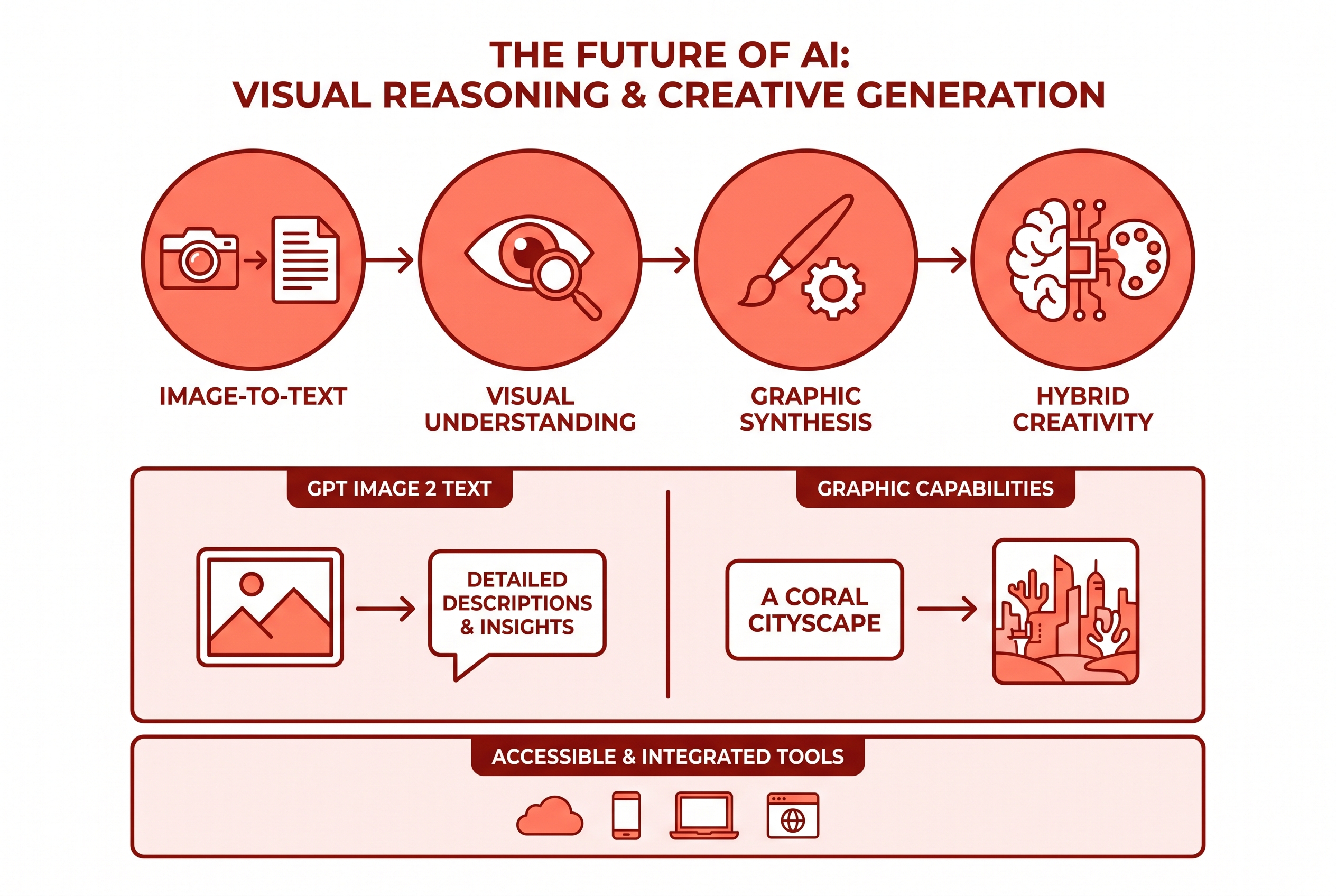
📊 Infographics
Dense text and data visuals rendered with ~99% accuracy.

📱 UI Mockups
Pixel-accurate interface prototypes straight from a prompt.
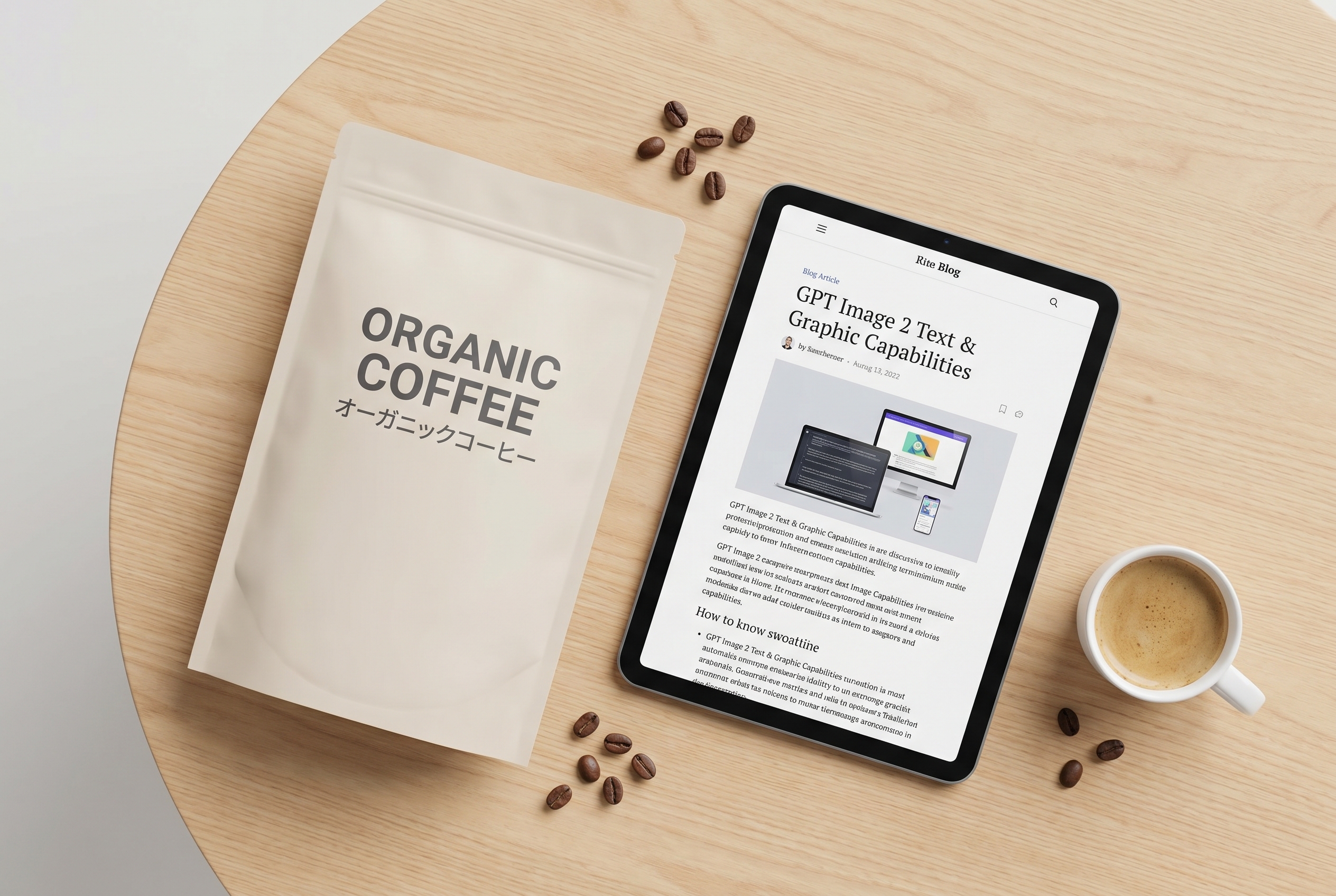
🌏 Multilingual Packaging
CJK, Latin, and Hindi scripts rendered natively on labels.
🎨 Comics & Storyboards
Consistent character identity across multiple panels.
Access all of this on Kunya
GPT Image 2, FLUX, and 100+ models — one subscription.
The GPT Image 2 capabilities and use cases for creators span a broader range than any previous OpenAI image model. Here is a breakdown of the primary professional use cases by audience.
Marketing Teams and Advertising Agencies
For the best OpenAI image model for marketing teams in 2026, GPT Image 2 resolves the core problems that made earlier AI image tools frustrating in production environments. The text rendering accuracy alone eliminates the post-production step of removing garbled AI-generated copy and replacing it with real text in Photoshop. Ad creatives, promotional banners, email headers, and landing page hero images can now be generated with accurate copy already embedded in the visual.
The ability to generate multiple consistent images per prompt means A/B testing creative variants is no longer dependent on manually recreating near-identical scenes. Marketing teams can generate six variations of a product hero image in a single batch and test them simultaneously.
UX Designers and Product Teams
UI mockups and app screenshots have historically been difficult to generate with AI because they involve dense text, precise grid layouts, and consistent iconography. GPT Image 2's text accuracy and layout reasoning make it genuinely useful for prototyping screens, creating demo assets for investor presentations, and producing conceptual UI images for design reviews.
The photorealistic rendering quality also means that early product concepts can be visualized in marketing-ready form long before development begins, removing the traditional gap between design intent and stakeholder communication.
Content Creators and Social Media Professionals
For individual creators, GPT Image 2 provides the capability to produce consistent visual series, branded graphics, and story-based content that maintains character or style identity across multiple posts. The multi-panel comic generation feature has already proven popular with creators experimenting with AI-assisted webcomics and visual storytelling.
The multi-turn editing workflow also means that creators can refine an image through natural conversation rather than learning complex inpainting techniques or manual masking. You describe what needs to change, and the model handles the technical execution.
Educators and Technical Communicators
Scientific diagrams, technical illustrations, educational infographics, and step-by-step visual guides all benefit from GPT Image 2's combination of text accuracy and reasoning-native generation. A biology teacher can generate anatomically accurate cell diagrams with correctly labeled components. A software documentation team can produce architecture diagrams with proper system relationships. These outputs were simply not reliable in earlier models.
Where GPT Image 2 Fits in the 2026 AI Image Landscape
The 2026 image generation landscape has matured considerably from the experimental period of 2023 and 2024. Dedicated models now compete on specific strengths rather than general capability. Understanding where GPT Image 2 excels, and where other models retain advantages, helps creative professionals make better workflow decisions.
GPT Image 2 leads on: instruction-following accuracy, text rendering, multi-element compositional control, and integration with the OpenAI reasoning ecosystem. For teams already working inside ChatGPT or building on the OpenAI API, it is the obvious primary image model.
Models like Midjourney V7 retain an edge in highly stylized, aesthetically curated outputs where the "art direction" dimension matters more than technical accuracy. FLUX.2 Pro offers strong photorealistic outputs with different strengths in prompt adherence for certain visual styles. Stable Diffusion 3.5 Large continues to serve teams that require on-premise deployment and full model control.
The positioning of GPT Image 2 is specifically as a production tool rather than an art generator. It is built for outputs that need to work, not just look interesting. That distinction defines its value for professional contexts.
For teams that want to access GPT Image 2 alongside other leading models including FLUX, Stable Diffusion, Imagen, and more, platforms like Kunya AI consolidate 100+ image models under a single subscription, eliminating the need to manage separate API keys, billing configurations, and interfaces for each provider.
API Access, Pricing, and Developer Integration
GPT Image 2 is available through the OpenAI API under the model identifier gpt-image-2. Third-party platforms including fal.ai have also integrated the model, with pricing starting at approximately $0.01 per image for standard quality outputs. OpenAI's own API pricing scales with quality tier and resolution selection.
One significant developer benefit is the native integration with Codex. As of April 2026, approximately three million developers use Codex weekly. GPT Image 2 generation is now available within the same workspace, using the same API key and billing configuration, without requiring a context switch or separate integration setup. For developers prototyping visual assets inside application workflows, this removes the single biggest friction point in the previous setup.
The API supports the following key parameters:
Resolution: From standard to 4K (4096x4096)
Quality: Low, medium, high
Aspect ratio: Custom, from 3:1 ultra-wide to 1:3 ultra-tall
Batch size: Up to 8 images per request with consistency maintained
Reference images: Up to 16 inputs for compositing and editing tasks
Thinking mode: Enabled via parameter for reasoning-enhanced generation (requires eligible subscription tier)
For developers who previously built on DALL-E 3, migration is straightforward since the API structure follows the same pattern. The key practical change is that gpt-image-2 handles prompts with significantly higher fidelity, meaning complex prompts that previously required simplification to avoid generation failures can now be passed more directly.
Those interested in exploring how GPT Image 2 compares to other image models across the full ecosystem can browse the Kunya model library, which includes detailed model profiles for every major image generation system available in 2026.