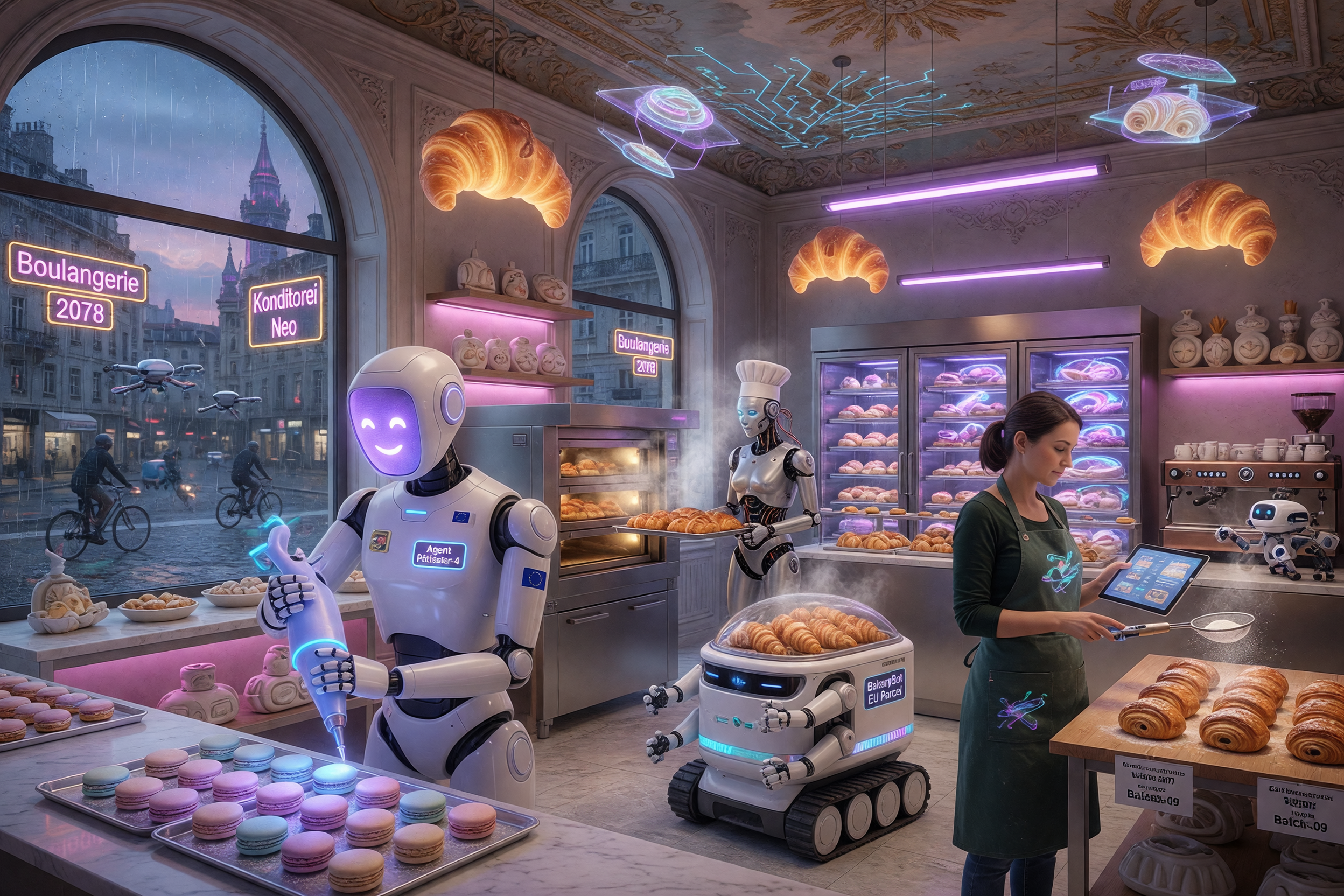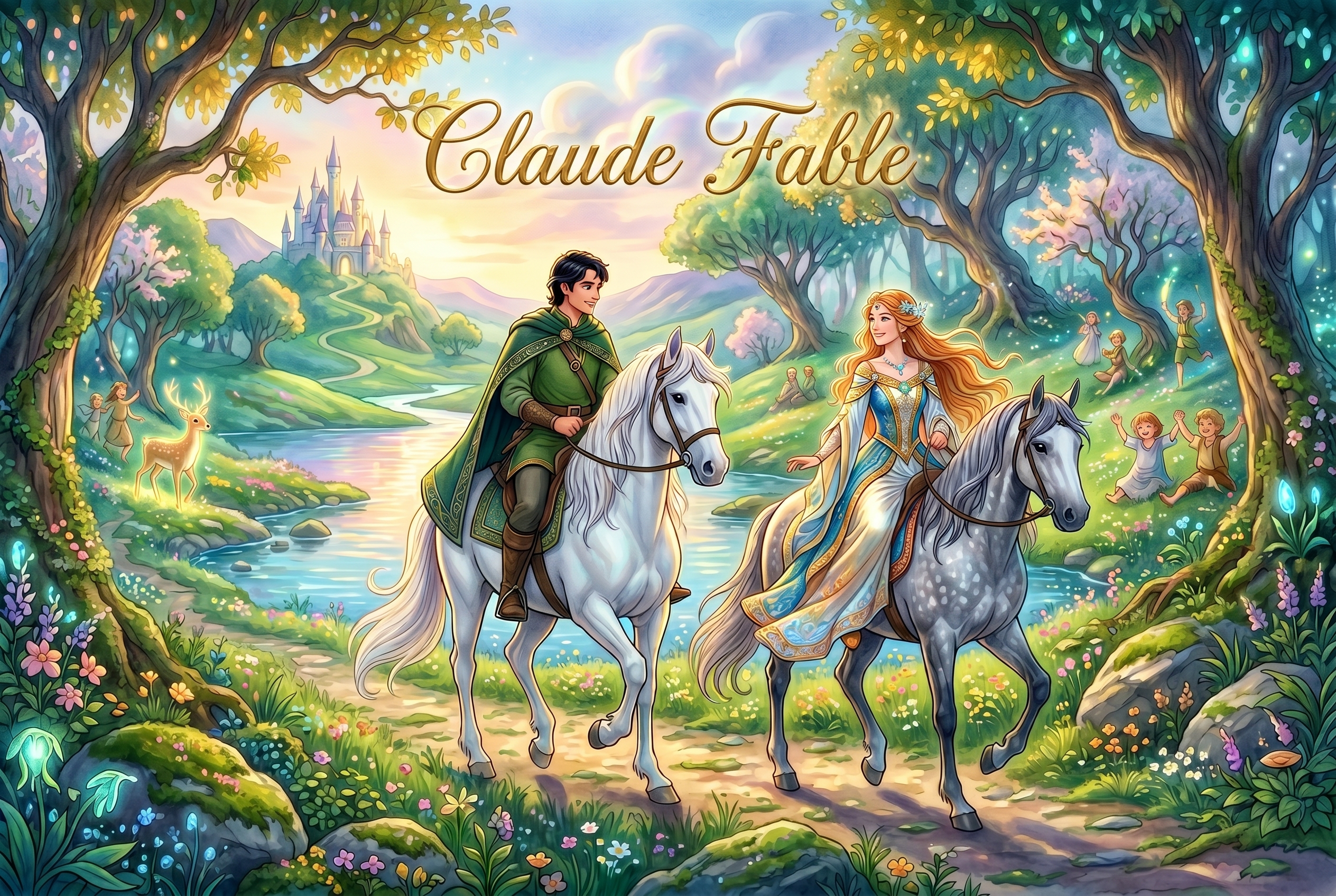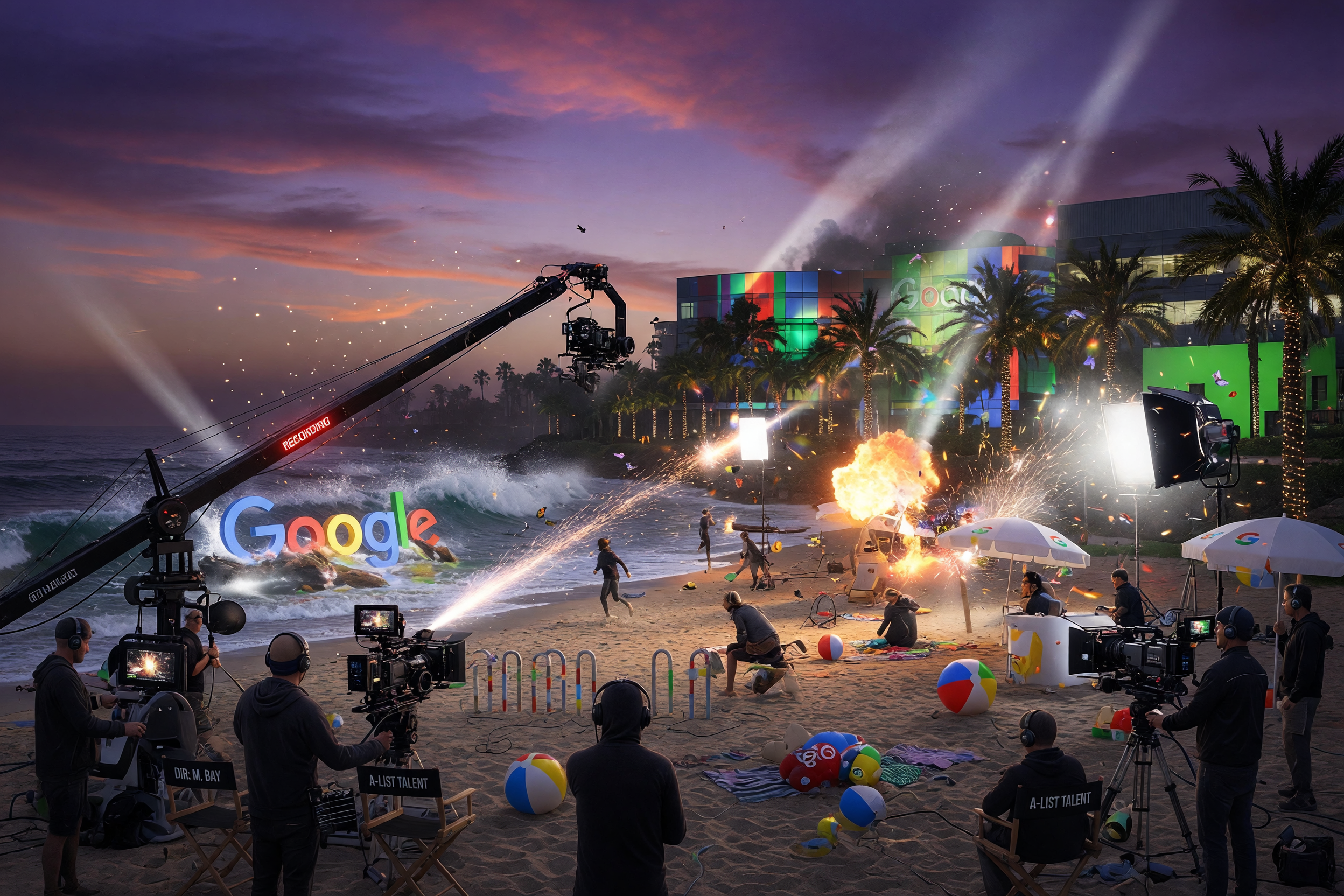
AI video generation just got a serious upgrade. Google's Gemini Omni Flash is not a standard text-to-video model. It is a fully multimodal video system that understands text, images, audio, and video simultaneously, and lets you refine your output through natural conversation. It generates, edits, and transforms video in a single unified architecture rather than routing you through separate tools for each task.
On Kunya AI, Gemini Omni Flash is available across all four of its generation modes: text-to-video, image-to-video, reference-to-video, and video editing. Pair it with Topaz Video Upscale and you have a full production pipeline from first prompt to polished 4K output, without leaving the platform.
What Makes Gemini Omni Flash Different
Most AI video models are single-mode tools. You either describe a scene and get a clip, or you upload an image and animate it. Gemini Omni Flash does all of that, and it does it within a single model that maintains context across every step.
The architecture processes all four modalities (text, image, audio, video) in a unified pass. That tight integration is what enables conversational editing, where you can describe a change in plain language and the model applies it while preserving character consistency, physics, and scene continuity. No re-uploading, no re-prompting from scratch, no starting over because one element changed.
It is built on Google's Veo generation layer, which means it inherits Veo's cinematic motion quality and physics accuracy, but adds Gemini's world knowledge and language reasoning on top. The result is a model that understands what you are trying to make, not just what pixels to generate.
The Four Generation Modes on Kunya AI
Kunya AI gives you access to all four Gemini Omni Flash variants in one place. Here is what each one does and when to reach for it.
Text-to-Video (T2V)
Describe a scene in natural language and Gemini Omni Flash renders it as a video clip. Because it draws on Gemini's real-world knowledge base, prompts that reference recognizable subjects, environments, or physical interactions tend to produce more accurate results than models trained on video data alone. You get accurate text rendering within frames, realistic physics, and consistent lighting across motion.
Image-to-Video (I2V)
Upload a still image and the model animates it into a video clip. This is useful for bringing product photography to life, animating concept art, or turning a Midjourney or Seedream output into motion content. The model reads the existing visual context and extends it naturally rather than treating the image as a loose reference.
Reference-to-Video (Ref2V)
Ref2V is Gemini Omni Flash's most distinctive capability. You provide a reference image, such as a character, product, or environment, and the model uses it as a consistent anchor across the generated video. This solves one of the most persistent problems in AI video: character drift, where faces and objects subtly change between frames. With Ref2V, you maintain visual consistency across the entire clip, which is critical for brand work, character-driven storytelling, and any production where continuity matters.
Video Editing
Upload an existing video and describe what you want changed. Swap objects, rewrite scenes, shift the visual style, adjust the atmosphere. The model applies changes conversationally, meaning you can iterate through multiple refinement steps in a single session. It preserves what you did not ask it to change, so you are not starting over every time you want to adjust one element.
Conversational Editing: The Real Differentiator
The feature that separates Gemini Omni Flash from the majority of AI video models is its conversational editing loop. Other tools treat each generation as an isolated request. Gemini Omni Flash maintains a session context, so your follow-up instructions are understood in relation to what came before.
In practice this means you can generate a clip, then say "make the lighting warmer," then "slow down the camera movement in the second half," then "replace the background with a city skyline at dusk," and the model threads all of those changes together without losing what was already working. That iterative workflow is closer to how a video editor actually works than the one-shot generation approach most models use.
Pairing Gemini Omni Flash with Topaz Video Upscale
Gemini Omni Flash generates at practical resolutions for speed and cost efficiency. For final delivery at broadcast or high-end digital quality, the natural next step is Topaz Video Upscale on Kunya AI.
The pipeline works like this: generate your clip with Gemini Omni Flash using the mode that fits your brief, iterate through conversational edits until the motion and content are right, then run it through Topaz at 2x or 4x to bring it to 4K delivery quality. Frame-by-frame AI reconstruction fills in the detail that lower-resolution generation left out, producing output that is indistinguishable from natively captured high-resolution footage.
This two-step approach is also more cost-effective than trying to generate at maximum resolution from the start. Generating at 720p and upscaling with Topaz costs a fraction of what native 4K generation would require, with comparable or better final output quality because Topaz uses dedicated upscaling intelligence rather than asking a generative model to handle resolution it was not optimized for.
The Kunya AI Video Production Pipeline
Use Cases Worth Knowing
Marketing and Brand Video
Use Ref2V to anchor your product or brand asset as a consistent reference, generate the surrounding scene with T2V or I2V, then use video editing to match the style to your brand guidelines. The conversational editing loop means your creative director can refine in plain language without needing a prompt engineer in the room.
Content Creation at Scale
Creators producing short-form content across multiple platforms can use I2V to animate stills from their existing photo library, generate variations quickly using the editing mode, and output multiple versions for different aspect ratios and platforms. The speed of Gemini Omni Flash relative to heavier video models means shorter iteration cycles and more output per session.
Concept Visualization
Architects, product designers, game developers, and filmmakers can use T2V and Ref2V to visualize concepts before committing to production. Describe a scene, animate a reference design, iterate conversationally, and present motion-based concepts to clients or stakeholders at a fraction of traditional previs costs.
Video Restoration and Restyle
Combine video editing mode with Topaz Video Upscale for restoration workflows. Apply a new visual style to existing footage through conversational editing, then upscale the result to modern resolution standards. This works well for archival content, older brand videos that need a visual refresh, and footage shot at lower quality that needs to meet current delivery specs.
How It Compares to Other Video Models on Kunya AI
Kunya AI also gives you access to Sora 2, Veo 3.1, Kling 2.5 Pro, Wan, HunyuanVideo, and Seedance. Each has a different strength profile. Gemini Omni Flash sits in a specific position within that lineup.
| Model | Best For | Key Strength |
|---|---|---|
| Gemini Omni Flash | Iterative workflows, brand/character consistency, editing | Conversational editing, Ref2V, multimodal input |
| Sora 2 | Cinematic, long clips, high motion complexity | Temporal coherence over longer duration |
| Veo 3.1 | Audio-native video, ambient sound, dialogue | Built-in audio generation |
| Kling 2.5 Pro | Fast turnaround, high realism | Speed-to-quality ratio |
| Seedance | Dance, movement, human motion | Human body motion accuracy |
The key advantage of having all of these on Kunya AI is that you are not locked into one vendor's model philosophy. You can start a project with Gemini Omni Flash for the iterative editing loop, switch to Sora 2 for the final hero clip that needs maximum cinematic quality, and upscale everything with Topaz. That is a frontier video production stack running through a single subscription with no vendor lock-in and no separate API keys to manage.
Cost Considerations
Gemini Omni Flash is priced at the efficient end of the video generation spectrum on Kunya AI, which makes it a practical choice for iterative workflows where you are running multiple generations before arriving at a final output. Heavy iteration on a premium-priced model adds up quickly. Running exploration and refinement cycles on Gemini Omni Flash, then committing budget to a final pass on a heavier model or a Topaz upscale, is a smarter allocation for most production workflows.
For teams producing video content at volume, the credit-based model on Kunya AI means you can track spend per project and scale usage up or down without renegotiating contracts. Starter plan access at $19 per month covers casual experimentation. Professional at $29.99 per month gives you three seats and higher credit allocation for regular video production work.
How to Use Gemini Omni Flash on Kunya AI
Gemini Omni Flash is available under the Video Generation tool on Kunya AI. Select the generation mode that fits your brief: T2V for text-driven scenes, I2V for animating existing images, Ref2V for character and brand consistency, or Video Edit for modifying existing footage. All four modes are accessible within the same tool, and your session context carries across editing iterations so you do not need to restart between refinements.
No separate API key, no additional subscription, no account with Google required. Access all four Gemini Omni Flash modes alongside every other video model on the platform through one Kunya AI subscription.
Access Gemini Omni Flash on Kunya AI
Text-to-video, image-to-video, Ref2V, and video editing. All four modes. One platform. Pair it with Topaz Video Upscale for a full 4K production pipeline.